Introduction to dictionary items
Dictionary items are items we've vendored in from CC-CEDICT. They always consist of multiple characters, but this may change in the future.
Accessing the dictionary
From the Dashboard, you'll find in the Curriculum dropdown two links.
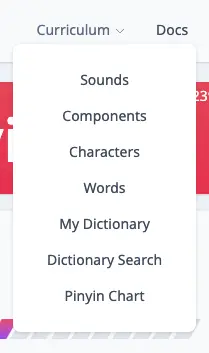
Let's first checkout the Dictionary Search.
Dictionary Search
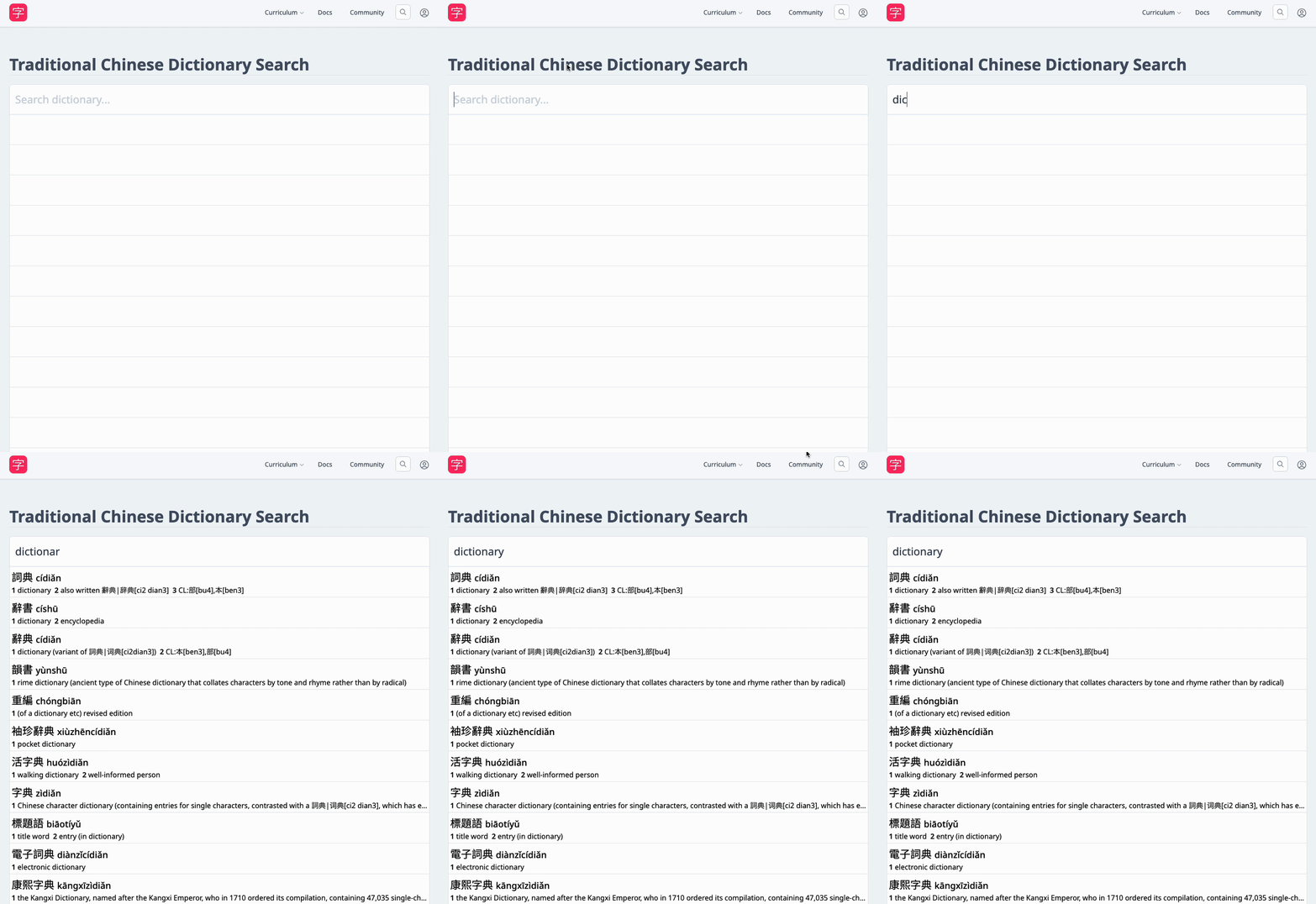
You can type in pinyin, characters, or any English word and the page will populate with close matches.
Once you find a Dictionary item you're interested in adding, click on it to navigate to its individual page.
Dictionary item page
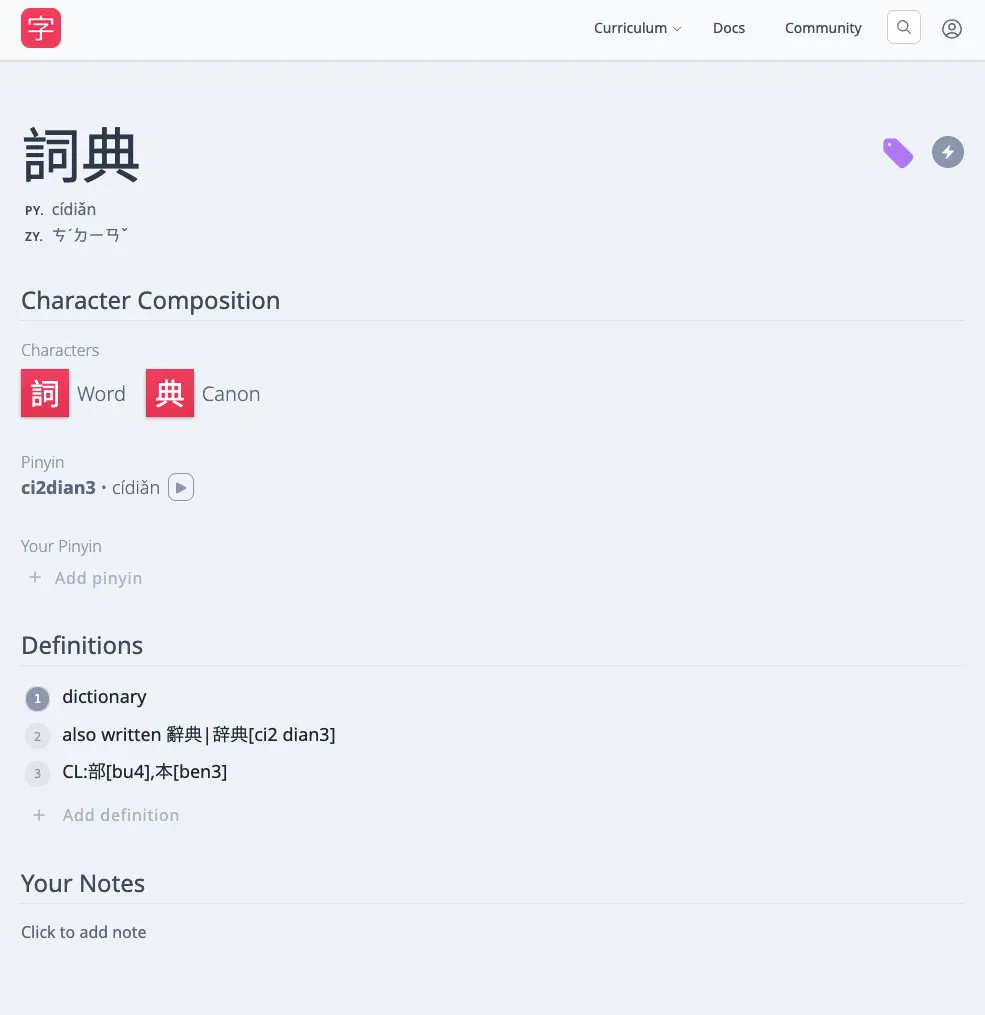
Here is where you can do a few things, like adding your own definitions or changing the primary definition, as well as add your own pinyin. You can also begin learning it by prioritizing it..
Definitions
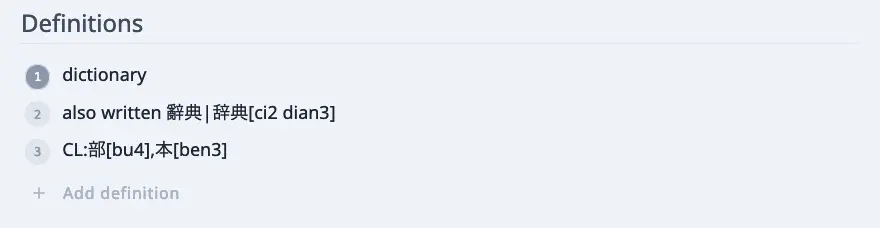
Here are all of the definitions this Dictionary item has. These "official definitions" we handle a little differently in our reviews:
- Everything that is separated by a semicolon counts as its own individual answer.
- Parentheses are also ignored in answering.
Other than that, it's the same as answering with any other item in HanziHero.
If the given "official definitions" are less than satisfactory you can add your own definitions.
My Dictionary
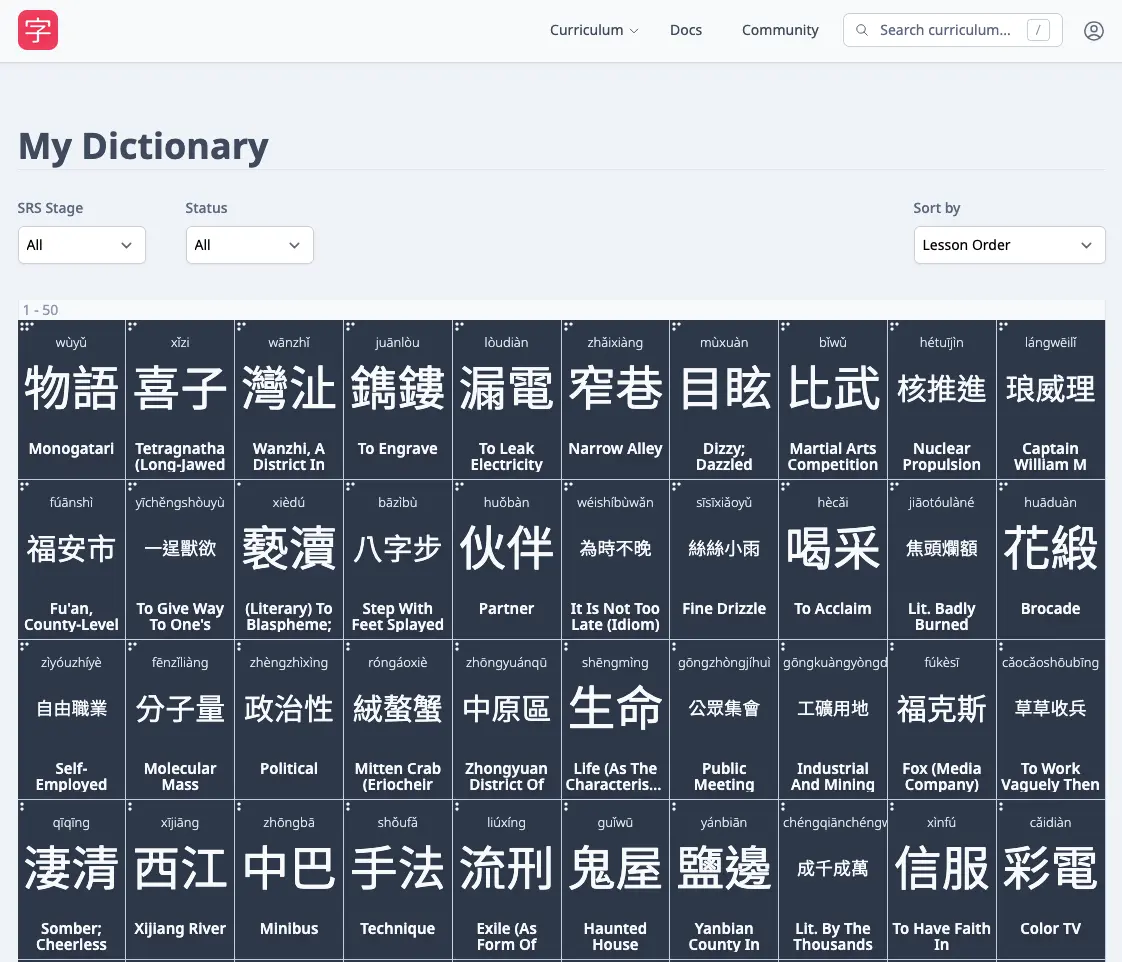
The other link in the dropdown was the My Dictionary page.
Whenever you prioritize a Dictionary item, it gets slotted into the My Dictionary page so it doesn't get lost.